How to turn a podcast episode into short videos: choose strong phrases, add subtitles, frame the shot, and hand off the clips to the team. Turning podcasts into short videos is about transforming a long episode into short vertical clips for TikTok, Reels, YouTube Shorts, and LinkedIn. Since a podcast relies on speech, the main focus is on strong phrases, controversial moments, subtitles, and clear delivery. Typically, from a 60-minute episode, you can get three to ten ready-made clips.
Podcasters don’t have to do the clipping themselves. You can upload the episode to a platform, hand it off to editors, or use services that help find strong fragments. In the VibeVO model, the team can break down the episode themselves, create short clips, prepare them for publication, and work toward results — reach.
How Podcast Clipping Differs from Stream Clipping
A stream often has on-screen action: a win, a mistake, a reaction, gameplay, chat. In a podcast, the main action is the thought. Therefore, the clip must make the thought noticeable.
For a podcast, the following are especially important:
- a strong opening phrase;
- large subtitles;
- a clear topic;
- the right framing of the hosts;
- brief context;
- no long pauses.
Podcasts are increasingly being watched, not just listened to. Edison Research in The Infinite Dial 2025 reports that 48% of Americans aged 12+ have both listened to and watched a podcast, and YouTube has become the most commonly used service among weekly podcast listeners in the US.
Which Moments to Choose
Strong Phrase
This is a thought that can be used as a headline. Example: “Most creators lose not because of ideas, but because of a lack of a system.”
Disagreement
If the host and guest disagree, it’s good material for a clip. Disagreement creates tension. Example: “I disagree. TikTok isn’t killing long formats — it’s bringing people to them.”
Personal Story
Stories work if they start quickly. Bad: “Well, it was a long time ago, I’ll try to remember now…” Good: “I realized our podcast wasn’t working when no one finished listening to the best episode.”
Unexpected Opinion
Clips hold attention well when a phrase breaks expectations. Example: “Not every podcast needs YouTube.”
How to Design the Clip
If there is video:
- use a close-up shot of the speaker;
- show the second host if their reaction is important;
- switch the shot when the speaker changes;
- don’t leave empty pauses;
- add large subtitles.
If there is only audio:
- use the episode cover;
- add a photo of the guest;
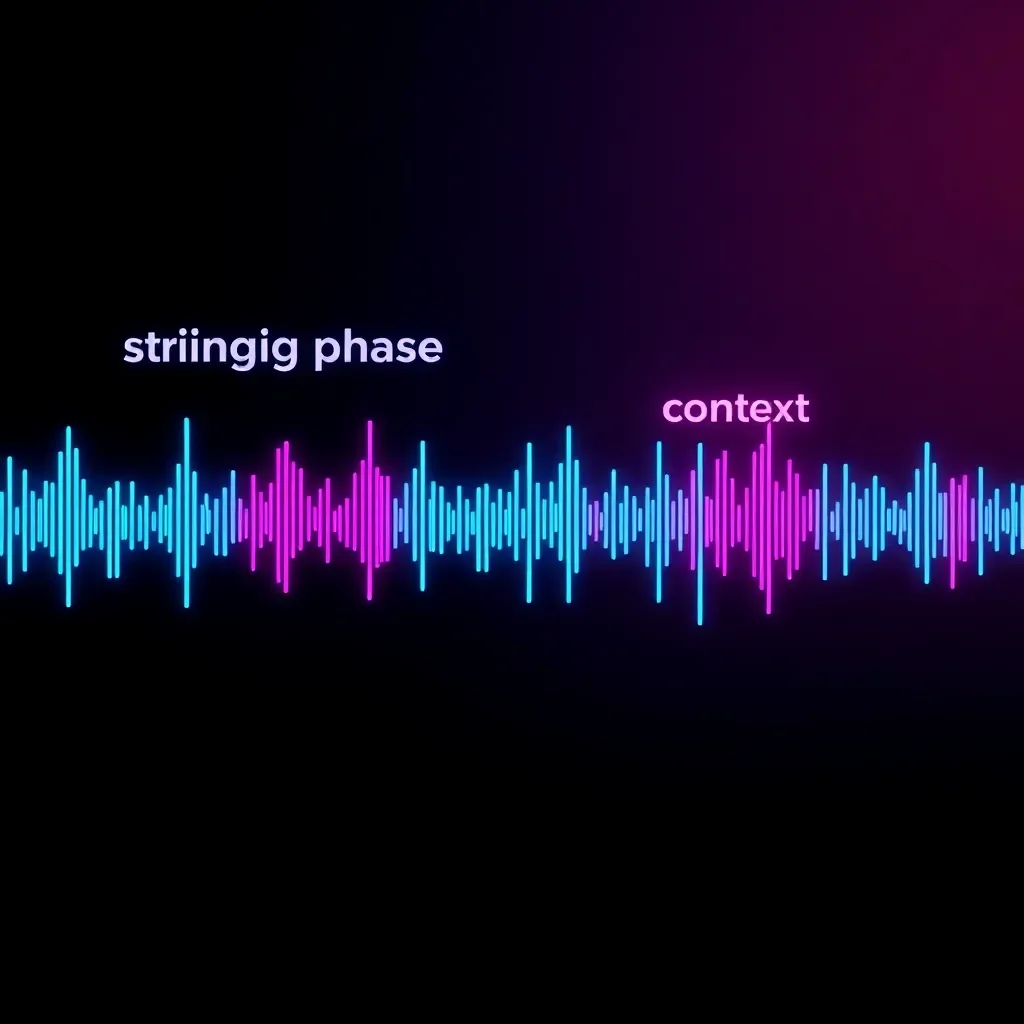
- add a sound wave;
- make large subtitles;
- use a calm background.
Even an audio podcast can be turned into short videos, but if regular promotion is planned, it is better to record the episode with a camera.
How to Make a Strong Beginning
Two types of beginnings work best for podcasts.
Start with a quote. “The main mistake of beginner authors is that they wait for inspiration.” After that, you can provide context.
Start with a question. “Why does one episode get 100 views, while another gets 100 thousand?” The main thing is to give an answer quickly. If a question is asked and the answer starts 30 seconds later, the viewer will leave.
How to Work with Multiple Hosts
If there are several people in the episode, the video should be clear. Rules:
- show the person who is speaking;
- do not make the wide shot too small;
- remove interruptions if they interfere;
- add the speaker’s name if voices are similar;
- keep reactions if they enhance the moment.
If it is a debate, you can show both. If it is a strong thought, a close-up of one person is better.
Where to Publish Podcast Videos
TikTok. Short, emotional, and controversial clips work best.
Instagram Reels. Personal stories, expert phrases, and visually clean videos perform well.
YouTube Shorts. Suitable for educational, conversational, and thematic clips. YouTube supports Shorts up to three minutes, but podcast videos are often better kept shorter.
LinkedIn. Good for business podcasts: entrepreneurship, marketing, career, technology, media, management.

Sensor Tower in the State of Mobile 2025 report states that users spent 4.2 trillion hours in apps over the year. This is another reason to format a podcast so that it works specifically in the mobile feed.
How Many Videos Can Be Made from One Episode
| Episode Length | How Many Moments Can Be Found | How Many to Publish |
|---|---|---|
| 30 minutes | 3–8 | 2–5 |
| 60 minutes | 5–18 | 3–10 |
| 90 minutes | 8–25 | 5–12 |
| 2 hours | 10–30 | 6–15 |
This is an estimate based on internal VibeVO data. A strong episode with a guest can yield more videos. A calm conversation without bright phrases yields fewer.
Important: Consent of Guests and Co-hosts
Before publishing short videos, make sure the guest and co-hosts agree to the clips. Especially when it comes to personal stories, controversial topics, business, health, finances, or legal issues. You cannot cut a phrase in a way that changes the meaning of a person’s position.
Frequently Asked Questions
Can I cut an audio podcast without video?
Yes. You can use a cover image, guest photo, sound wave, and large subtitles. But video with a camera usually gives more of a live feel.
How many clips will I get from a 60-minute episode?
Usually 3–10 good clips. There may be more candidates, but you should only publish those with a strong idea, debate, or story.
Do I need to make different clips for different platforms?
Yes. For TikTok, it’s better to be faster and more emotional. For LinkedIn, calmer and more thesis-driven. For Shorts, clearer on the topic. The same fragment can be adapted for different platforms.
Conclusion
Repurposing podcasts into short videos is not just a technical task, but a strategic tool for audience growth. Choose strong moments, format clips with the platform in mind, and always check participants’ consent. Start with one episode: find 3–5 standout fragments, adapt them for TikTok, Reels, and Shorts, and evaluate the result. Ready to try? Upload your podcast and make your first clip today!