Looking for free tools for streamers that work directly in the browser, require no registration, and leave no watermarks? Eklipse has launched a set of 13 utilities to help you design your channel, find an audience, and prepare content for publication. All tools process files locally on your device without uploading to a server.
Channel Design Tools
Five tools help you create visual stream elements without Photoshop or other design programs.
Twitch Emote Generator
Create an emote from a text description using AI or upload your own image. The tool automatically exports sizes 112, 56, and 28 px in PNG format with a transparent background, as well as an animated GIF directly from a clip. Auto-framing adjusts cropping to the subject so the emote remains readable even at 28 px.
Twitch Badge Generator
Create badges for subscriptions and bits with ready-made level presets. One click gives you all three Twitch sizes (18, 36, 72 px). The Badge Set Generator creates an entire series (e.g., by subscription month) in one go, ensuring loyalty badges look like a cohesive set.
Twitch Panel Generator
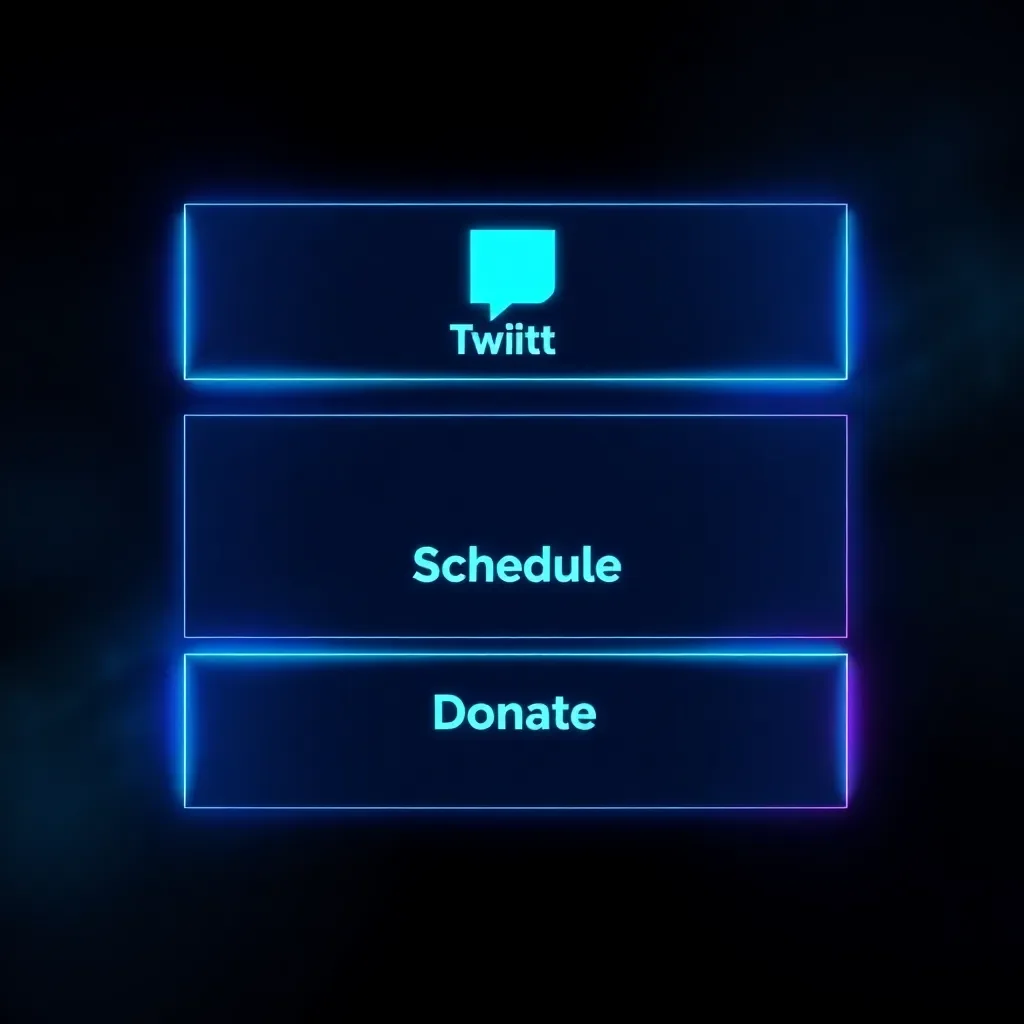
Assemble branded panels for “About the Channel,” “Schedule,” “Donate,” “Discord,” and “Social Media” with live game art, channel logo, and platform icons. Choose a layout, paste links, and export the set.
Clip Preview Generator
Select a frame from your Twitch or gaming clip, add a short bold title (or use an AI prompt). The tool automatically applies a contrasting background and enhances the image to keep text readable. Export in 1280×720 for YouTube and Twitch, as well as 1:1 and 9:16 for Shorts.
AI Reframing
Convert a horizontal clip into a vertical 9:16 video with automatic action tracking. The tool detects the game and crops accordingly: crosshair for shooters, player for Just Chatting. The frame adjusts during scene changes and locks onto the webcam if present. You can manually drag the source to set focus.
Growth and Monetization Tools
Six utilities help you find an audience, increase views, and earn money.
Twitch Affiliate Progress Checker
Check your real-time progress toward Twitch Affiliate and Partner status: followers, average viewers, stream days, and unique chatters. The dashboard shows which requirement is blocking you and approximately how many streams remain.
AI Caption Generator
Create engaging captions for clips on TikTok, Shorts, and Reels. Choose a tone, get multiple options, and copy the best one. Each option receives a score to help you avoid publishing the dullest text.
Brand Deal Catalog
Browse real gaming brands that work with streamers, filter by category, and generate an AI pitch for your first sponsorship. This is a starting list and draft for outreach, not a paid database.

Best Time to Stream
Find windows when viewers in your game are active but big streamers are offline. Select a game to see time slots where a small channel can be noticed rather than lost in the crowd.
AI Clip Analyzer
Evaluate the viral potential of a clip for TikTok, Shorts, and Reels before publishing. Get specific recommendations for improvement: hook timing, caption, format. Helps decide which of five clips to post and how to refine it.
YouTube Title Generator
Create high-CTR titles for clips and uploads. Enter what the clip is about and receive a ranked list of titles with ideas for preview text.
How Free Tools Complement the Paid AI Package
The tools solve individual tasks: emotes and badges design the channel, downloaders retrieve videos, and preview generators, captions, titles, and the analyzer prepare clips for publication. But the most time-consuming step—watching a five-hour recording to find three minutes of content—remains outside these utilities. That is handled by the Eklipse AI Package: paste a VOD link from Twitch, Kick, or YouTube, and it automatically finds kills, clutches, and wipes, then returns vertical clips for TikTok, Shorts, and Reels.
Frequently Asked Questions
Are these tools really free?
Yes. All 13 tools work entirely in the browser, require no account, and add no watermarks. Your images and VODs are processed on your device; nothing is uploaded to a server. Eklipse is free to register; the full AI package for automatic clipping is a paid product.
Do I need an Eklipse account to use the tools?
No. The tools work without logging in. An account is only required for the AI package, which automatically clips streams.
Do the tools work with Kick, not just Twitch?
VOD downloaders, caption generator, clip analyzer, preview generator, and title generator work for Kick as well. Emote, badge, panel tools, and the Affiliate checker are tied to Twitch.
Is anything uploaded to your servers?
No. All tools run client-side in your browser, so files remain on your device.
Conclusion
Start with the step that holds you back. Designing your channel? Make emotes and badges. Have unpublished recordings? Download the VOD, then let the Eklipse AI Package find clips for you. Register for free and try all the tools today.